
Mixing Music in Dolby Atmos | Workflow and strategies
In the last few years, Dolby Atmos has moved from a cinema-centred format to become a big player in the music streaming platforms. Not only that, but other major industries, such as video games, cars, laptops, and phones, now support immersive audio, indicating a strong interest in this format.
Atmos allows music to expand beyond two speakers and enter the 3D realm, opening a world of artistic possibilities. But for many engineers and musicians, the question is: how can I use it creatively without breaking my workflow?
In this article, we will cover what makes Dolby Atmos mixing different from stereo and 5.1, how to adapt the workflow from stereo to Atmos, how to monitor an immersive mix, and some strategies and practical advice for starting to mix in Dolby Atmos. Let’s dive in.
Why Dolby Atmos for Music?
Atmos is more than just surround or stereo 2.0. As we explained in our previous article, Dolby Atmos | Everything You Always Wanted To Know, Atmos is an object‑based audio format, which means elements of your mix can be described as objects moving in 3D space, rather than locked to fixed channels like traditional stereo or 5.1 surround.
What makes Atmos interesting for music, compared to the film, is the lack of visual constraints, since music is not locked to any visual cue. This allows engineers and artists to explore new creative possibilities that can expand the listeners’ and fans’ experiences. Sound can be placed anywhere from front to back, on the sides, up and down, and everywhere in between, creating a fully immersive experience for the listener.
Atmos vs Stereo vs 5.1: What’s Really Different?
Another thing that sets Atmos apart from traditional formats like stereo or 5.1 is its scalability. One format can be played back through headphones, soundbars, or large venues and still deliver the same immersive experience. This is possible thanks to the panning metadata for the objects, stored in the format, rather than being fixed to a channel. Then, the Atmos re-renderer on the playback device adapts this data to the available speaker setup, allowing listeners to experience the same mixes wherever they are.
Beds, Objects, and Object-Beds: Choosing the Right Tool
The hardest part when you start mixing in Dolby Atmos is understanding the difference between beds and objects.
- Beds are channel‑based (e.g. 7.1.4). They are speaker-based and behave like an expanded surround, adding height.
- Objects are truly 3D-located sounds, with metadata telling the renderer their position at any moment.
“The bed means it’s channel‑based. An object is object‑based, in that imaginary 3D space with panning metadata. People often think objects have to move and beds have to be stationary, but that’s not true—you can move things in the bed, it’s just phantom imaging. Objects give you pinpoint accuracy, especially for movement.” James Auwarter
When to Use What
Usually, beds are used for elements that benefit from a stable, anchored image (e.g. drums, bass, sometimes lead vocal) or situations where phantom imaging is acceptable or desirable
On the other hand, objects can be better suited for precise and localised elements (hooks, FX, featured synths) or anything that needs to move clearly around the listener
From Stereo to Atmos: Rethinking Your Workflow
Most of the time, modern music starts in stereo. The Atmos version is often created once the stereo mix is approved. That doesn’t mean Atmos is an afterthought—it’s a different stage of the same project.
The heavy lifting is done by the stereo mix (tone, balance, compression…), and then an in-depth stem separation is usually done to use in the Atmos mixing stage. In fact, when remixing classic records for Atmos, it’s important to start with a faithful reproduction of the album’s original intent. That way, the Atmos mixes will feel both familiar and enhanced.
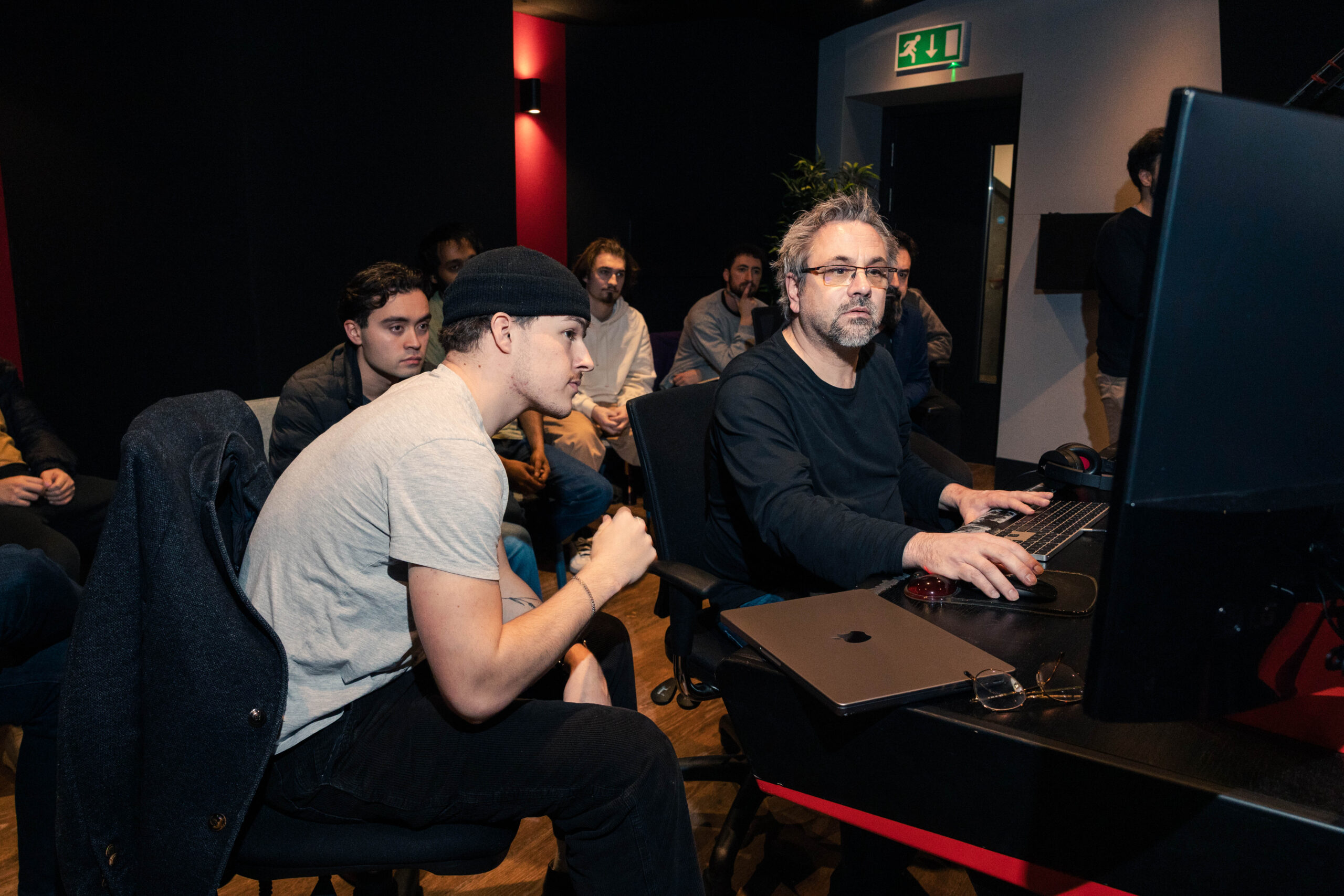
Talking about working with stems, Grammy-winning mixing engineer and guest lecturer at Abbey Road Institute James Auwarter describes it as: “It’s more than just ‘all drums, all guitars, all keys’. I don’t need every single mic, but I do want, for example, different guitars separated so they can be placed around the room.”
For music mixing in Dolby Atmos, a practical stem creation strategy can involve looking at the roles of each element in the mix or deciding whether they should be separated in the 3D space or not.
Instrument Placement in Atmos: Groove First, Spectacle Second
With a 3D canvas, it’s tempting to throw elements everywhere. But the art of mixing in Dolby Atmos is often about contrast. As Brad Rees, sound editor and re-recording mixer, told us in his interview: “The sound needs to help deliver the main message of the production without being too distracting”. That’s why some elements need to be locked and solid in front, while others can wrap around and above the listener.
Kick, snare, bass, and lead vocal usually stay front and center. The further you move rhythmic elements from each other, the more you risk breaking the main pillar of the song. Other elements, on the other hand are candidates for further immersion, like synth pads, textures, guitars, or vocal delays.
“With drums and percussion, just make sure you don’t lose the groove from the stereo world. Spread things too far apart and certain grooves just fall apart. Shakers, for example, can sometimes move around, but in other grooves they have to stay near the hi‑hat or snare or it just feels wrong.” James Auwarter
One important note for creating a truly immersive experience is to keep time-based effects, such as reverb and delay, as separate stems. That way, panning them independently around the listener will enhance the experience.
Monitoring Atmos: Why Headphones Matter More Than You Think
Many engineers starting with Dolby Atmos assume you need a full 7.1.4 or 9.1.6 room to mix properly in this format. But in contrast to mixing for films, many engineers, such as Andrew Scheps and James Auwarter, have incorporated headphone monitoring into their Atmos mixing workflow using the binaural re-renderer, since most Atmos music listeners listen on headphones. And the best part is that you don’t need special headphones; anything from high-end mixing headphones to AirPods or anything in between is good to get started. Although the more accurate the better.
This is good news for mixers in smaller studios worldwide, since you can start mixing in Dolby Atmos on headphones and then make final tweaks after listening in an Atmos-certified room, as needed. In fact, immersive monitoring tools like APL Virtuoso are increasingly used for the reliability of their monitoring results.
Loudness and Mastering in Dolby Atmos
One of the key considerations when mixing music in Dolby Atmos is loudness.
Atmos masters are constrained to -18 LUFS and a true peak of -1 dBFS. This requirement is much lower than that for most modern stereo masters, due to the perceived loudness when summing all the objects in a stereo mix. The low target ensures there’s enough headroom and that the mix won’t clip or behave unpredictably when rendered to different playback formats
Conclusion
Dolby Atmos mixing is about reimagining the listener’s space rather than just widening a stereo image. And while immersive mixes are not trying to replace stereo mixes, it’s clear that Dolby Atmos in music is here to stay and can become a powerful creative tool.
Our Music Production and Sound Engineering program, as well as our Post Production diploma, covers the ins and outs of creating engaging Dolby Atmos mixes by top-tier engineers like James Auwarter. If you want to know more about our curriculum or any of our courses, sign up for our next open day or book a tour of our campus and studios.
Special thanks to James Auwarter for talking with us for this article.
